Document the day
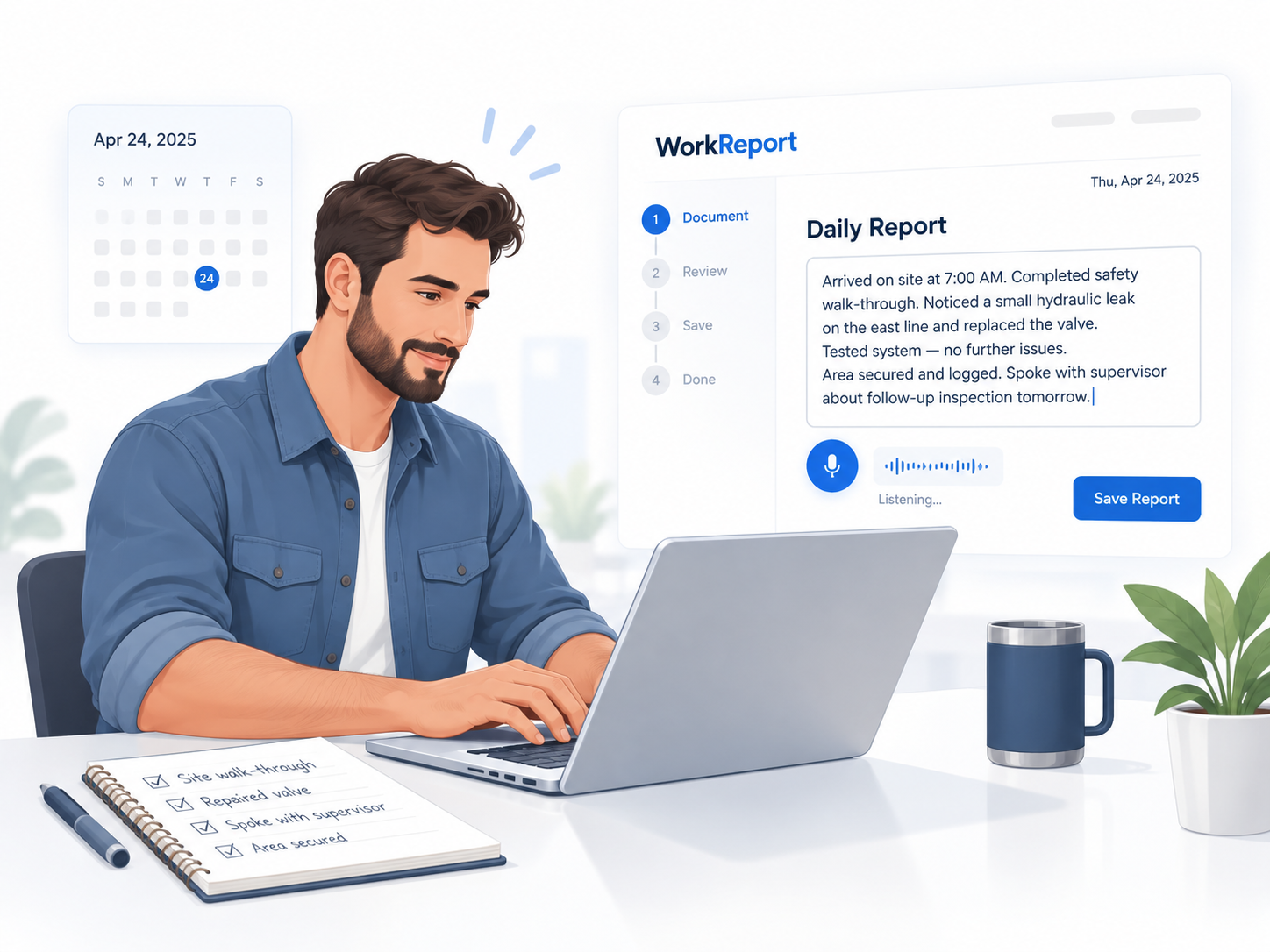
Record workplace events in natural language without needing to know legal terminology or case-management language.
WorkReport helps turn daily workplace experiences into an organized, traceable record - preserving original statements, evidence, timelines, people, places, machines, and important changes over time.
WorkReport is currently invite-only. There is no public self-registration.
WorkReport is designed around a simple idea: the original record matters. Daily documentation remains connected to the structured information built from it.
Record workplace events in natural language without needing to know legal terminology or case-management language.
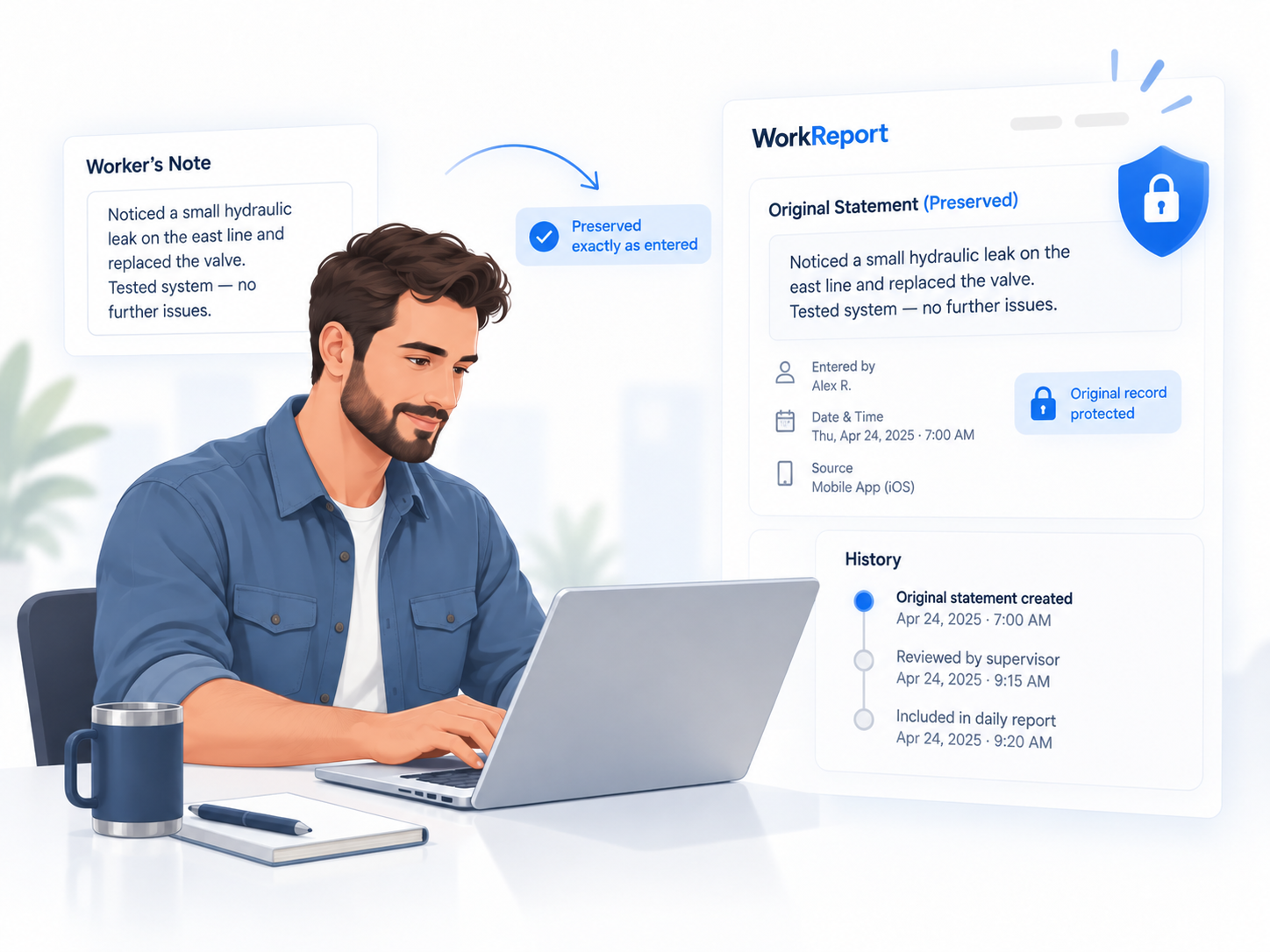
Original statements remain the source record instead of being silently replaced by generated summaries.
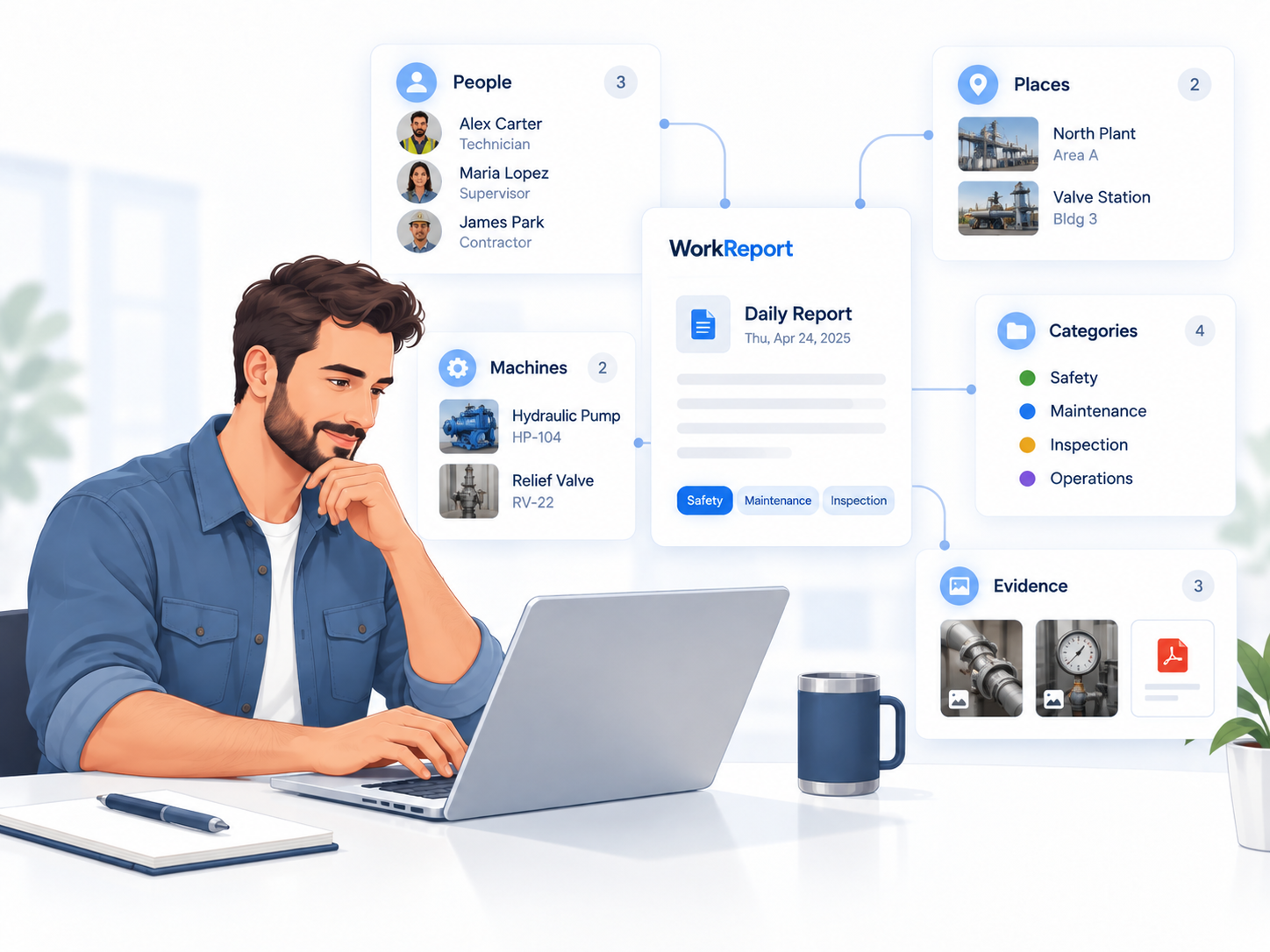
People, work areas, machines, categories, evidence, and documented events can be connected to the report.
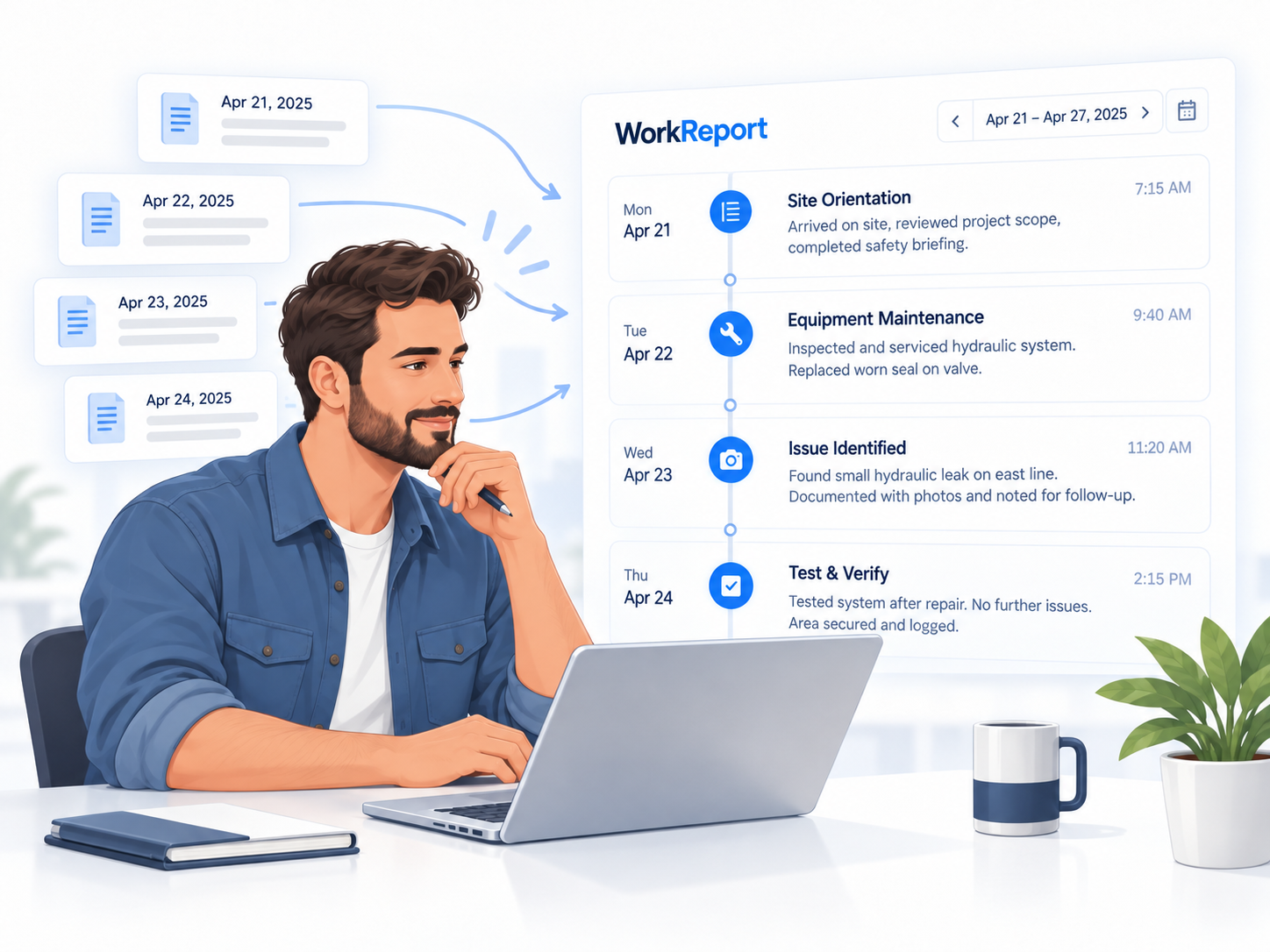
Separate days become a chronological record that can reveal repetition, changes, sequences, and missing information.
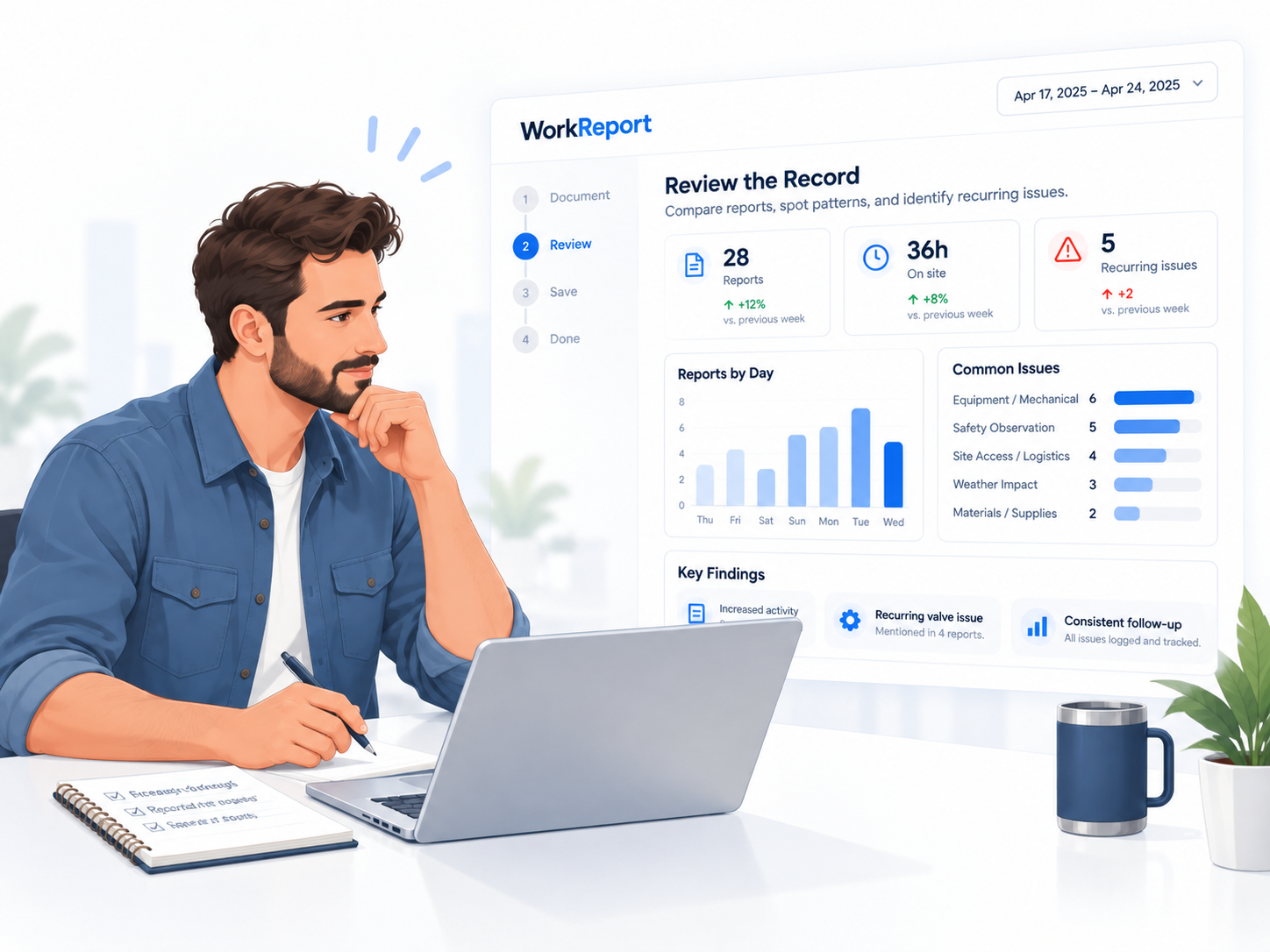
WorkReport can help surface recurring information while keeping allegations, facts, inferences, and unknowns distinct.
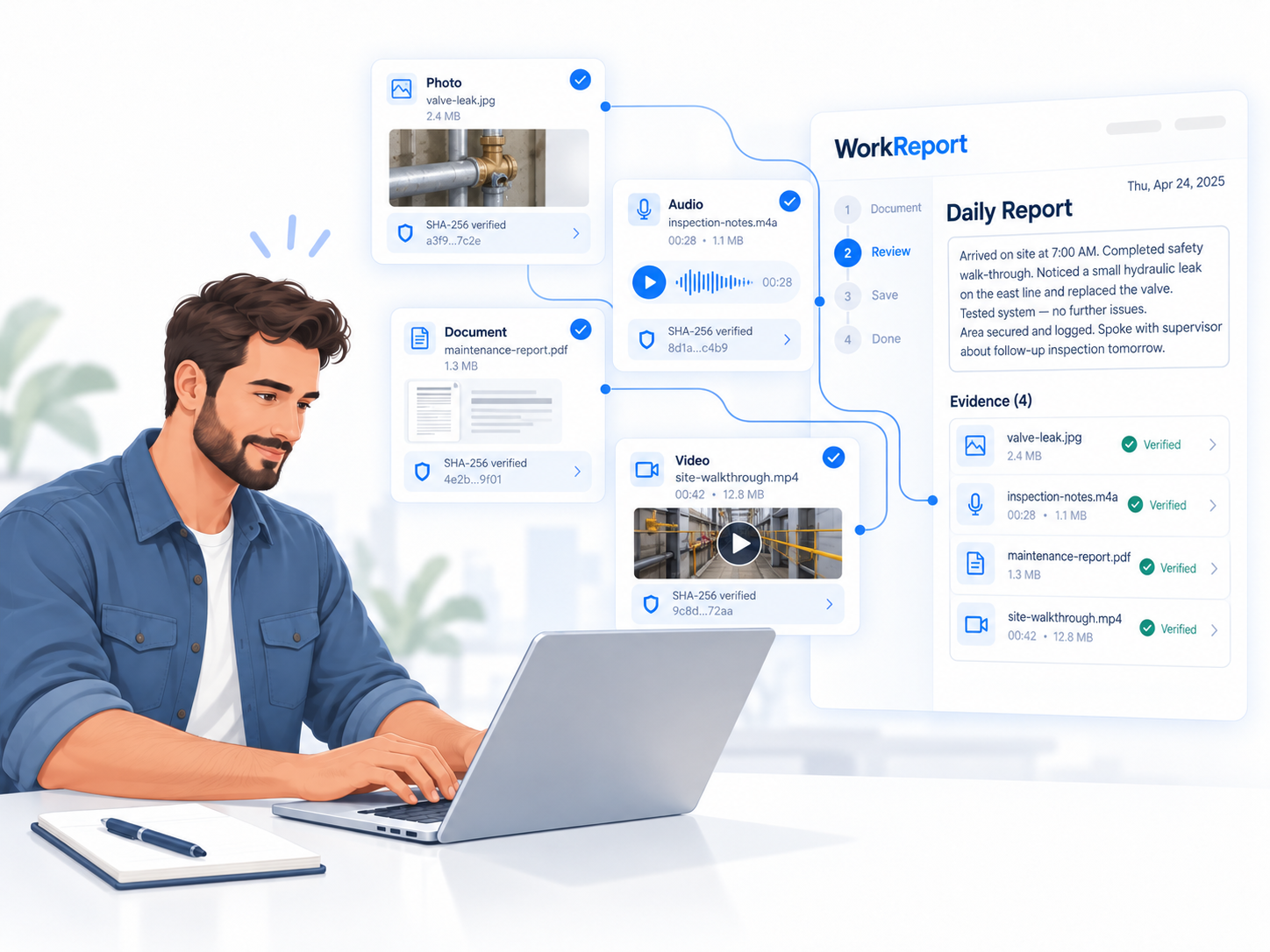
Important findings are designed to remain traceable back to reports, events, original statements, and supporting files.
A worker should be able to describe what happened in normal language. The system's job is to organize the record without upgrading assumptions into facts or turning every difficult workplace event into a legal conclusion.
WorkReport is being built as a private record system rather than a social platform. Public information is separated from the authenticated client portal, and private records are intended to remain accessible only to authorized users.
WorkReport does not currently provide public self-registration. Accounts are created or assigned through authorized administration.
Worker profiles, reports, journals, evidence, timelines, analysis, and administration remain behind authenticated application routes.
Private record access is checked on the server rather than relying on hidden buttons or browser-only controls.
Evidence files are stored outside normal public browsing paths and are served through permission-checked application endpoints.
Evidence and finalized records can use SHA-256 fingerprints to help detect file or record changes after preservation.
Important record actions are designed to preserve history instead of silently rewriting sensitive source material.
WorkReport uses layered controls and continues to undergo security hardening as the system develops.
No software should be described as impossible to breach. WorkReport does not make that claim.
Additional production safeguards, deployment controls, tenant isolation testing, incident-response procedures, and independent security review are planned before broader public deployment.
If you would like to be considered for WorkReport access, submit a request. Requests are reviewed by an administrator and never create an account automatically.
WorkReport is being built to give ordinary workers a practical way to create an organized workplace record before individual days, conversations, documents, and events become difficult to reconstruct.
The system is intended to preserve the record and help people review it more clearly. It is not designed to automatically decide that an employee, supervisor, or employer is right or wrong.
WorkReport is not a law firm and does not create an attorney-client relationship or guarantee legal outcomes.
No. The current system is invite-only. Authorized administrators create or assign access.
No. WorkReport is a documentation and record-organization system. It does not provide a guaranteed legal conclusion or create an attorney-client relationship.
The design principle is that the worker's original statement remains the source record. Structured information is stored separately from that source.
No. A statement or uploaded file does not become true merely because it is stored in WorkReport. The system can organize documentation, evidence, chronology, and corroborating or conflicting information for review.
Use the Client Portal button. Existing invited users are sent to the private login area.
Enter the private client portal using the account provided to you.